Negaremap
A professional and specialized Iranian software for ECU calibration (remapping), intended for lawful and emissions-compliant use.
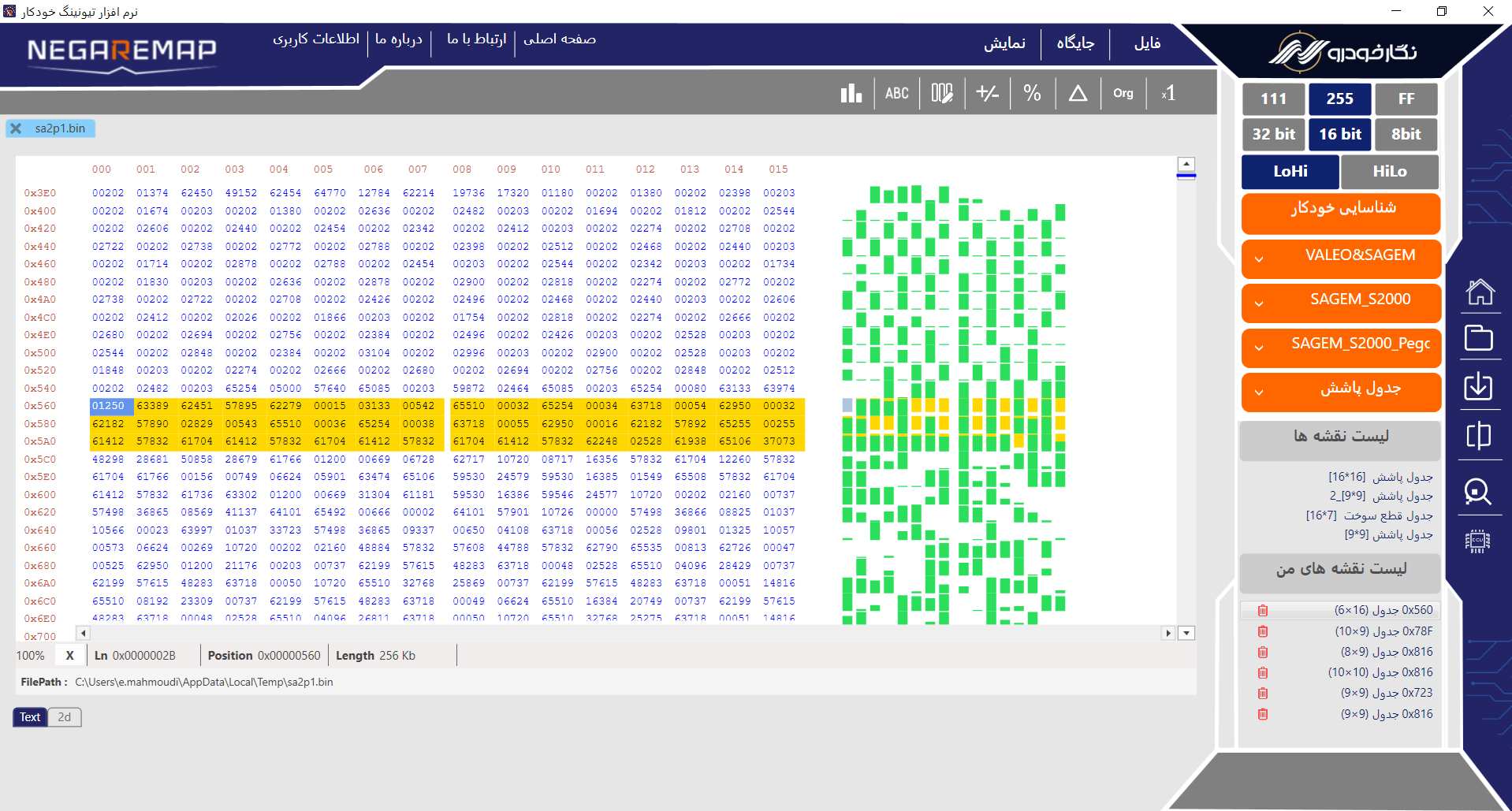
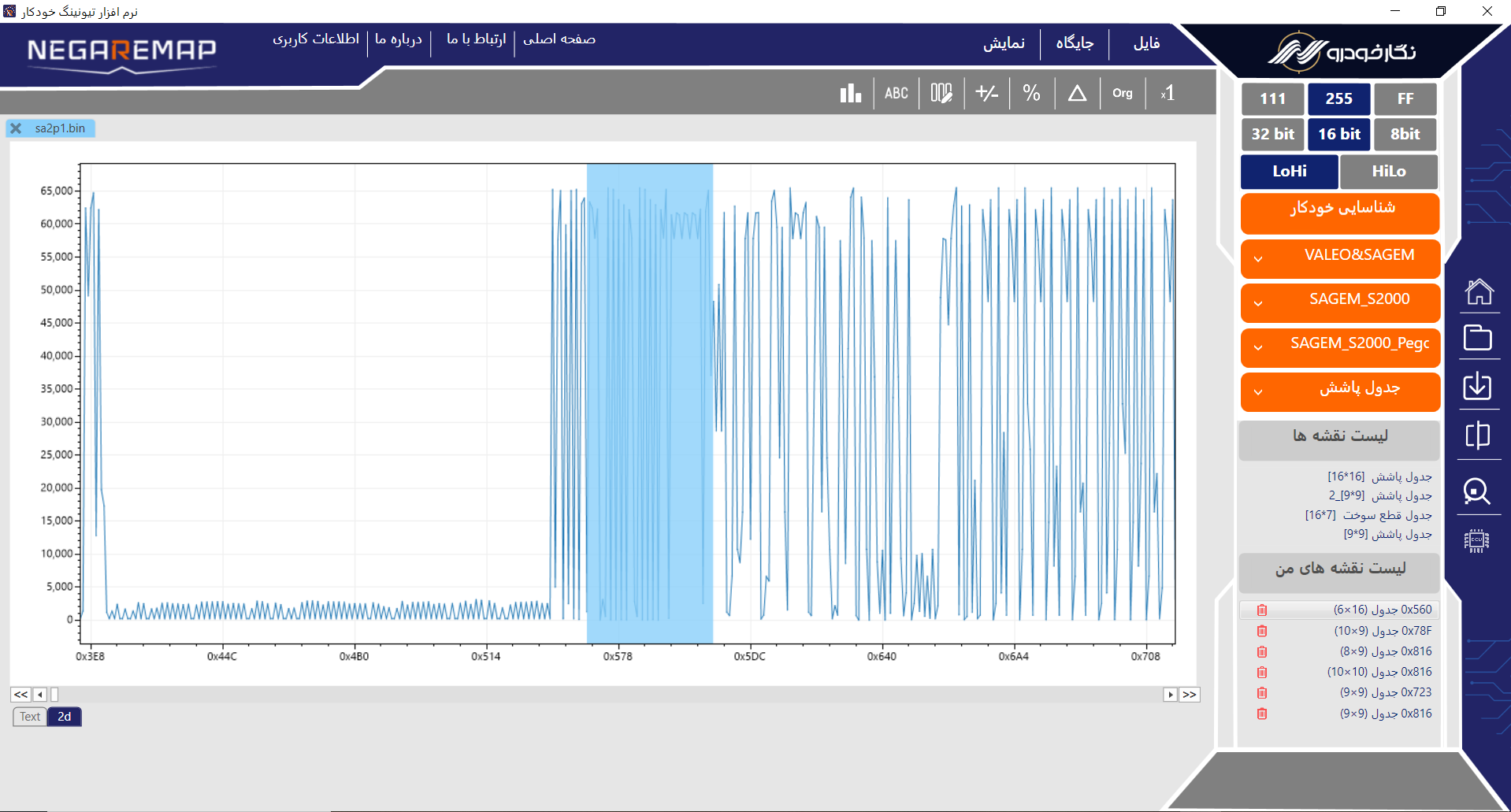
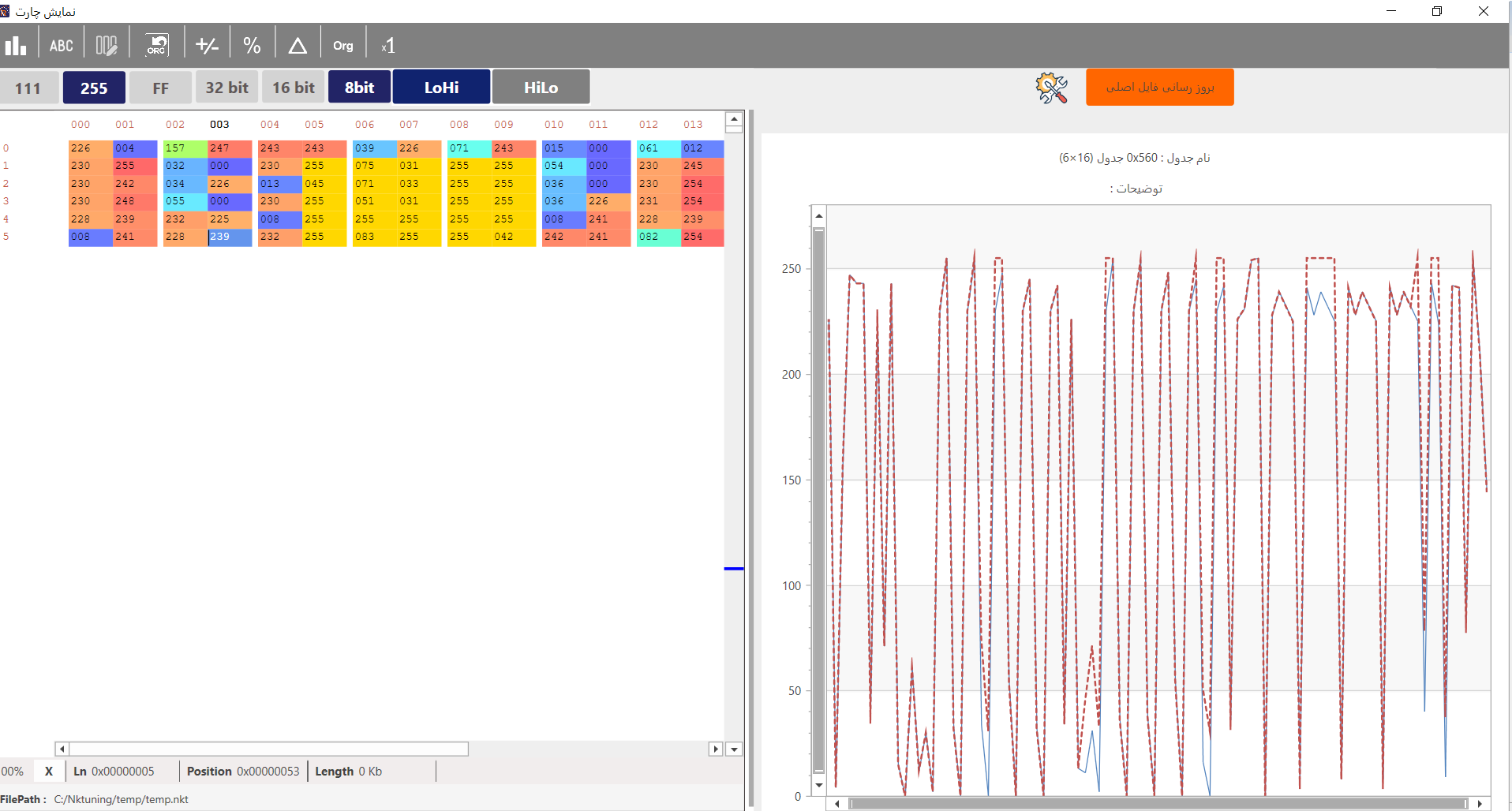
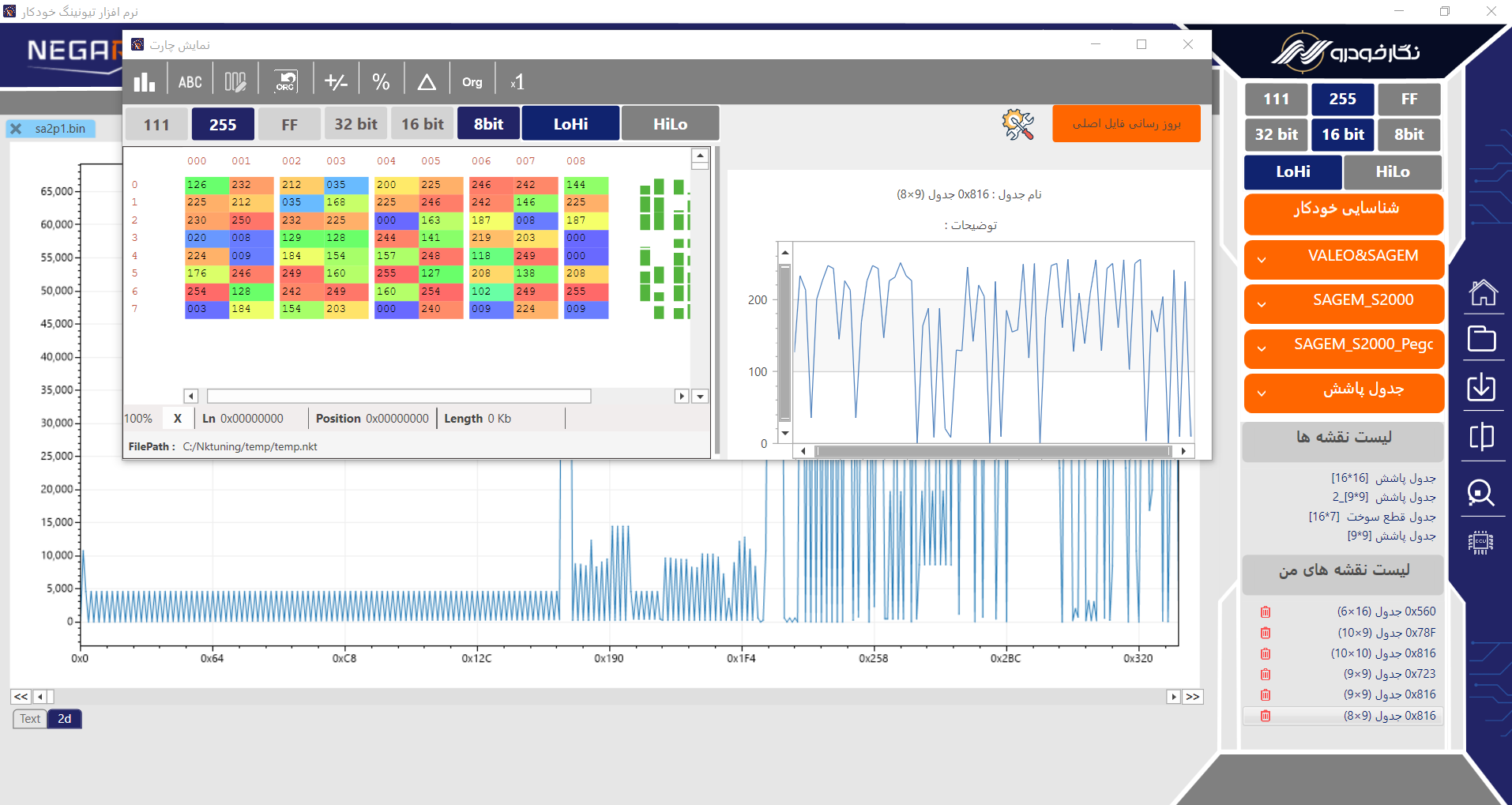
The Negar Remap software is considered the only native application and platform for ECU dump remapping, with all its options and features in Persian language. One of the most important technical problems for mechanics and students in the automotive field is the lack of specialized software for ECU remapping in Persian with a user-friendly interface. On the other hand, learning the existing software is extremely time-consuming due to the high complexity of foreign examples. The terms used in foreign remapping applications are specialized, and learning these terms requires a lot of time and effort. The Negar Remap software, with its Persian language and user-friendly interface, can meet the needs of all users at various levels, from beginners to professionals. All remapping tables in the Negar Remap software are displayed in a separated manner, allowing you to edit them with complete peace of mind. After making the desired edits and before applying the changes, there is the ability to compare between the two dump states. As a result, before uploading the dump to the ECU, you can check the harmonic status of the changes. The automatic and advanced checksum feature is one of the notable capabilities of this Persian software, which is available to users for free.
You can also put regular text between your rows of images, even citations (missing reference). Say you wanted to write a bit about your project before you posted the rest of the images. You describe how you toiled, sweated, bled for your project, and then… you reveal its glory in the next row of images.
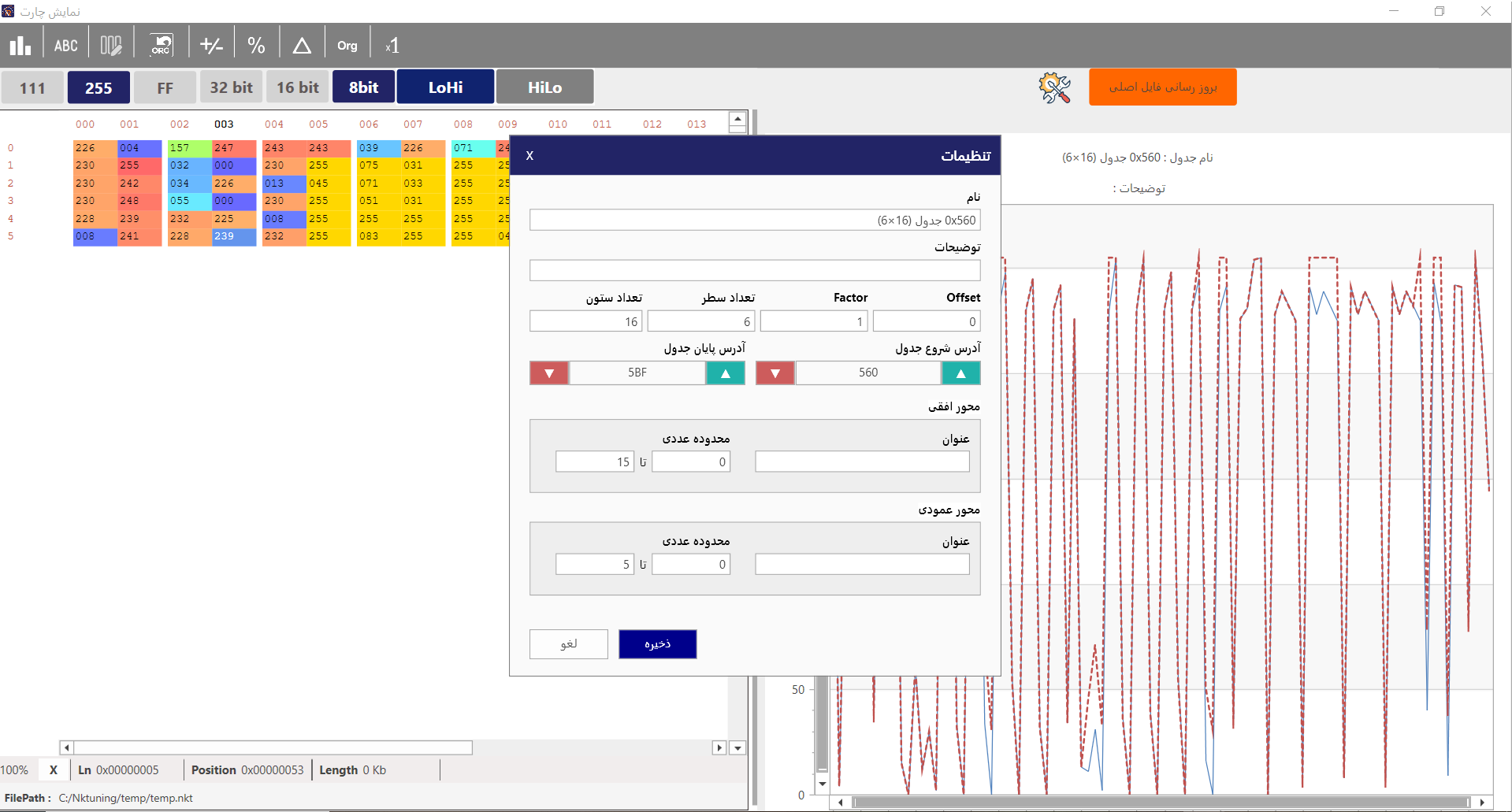
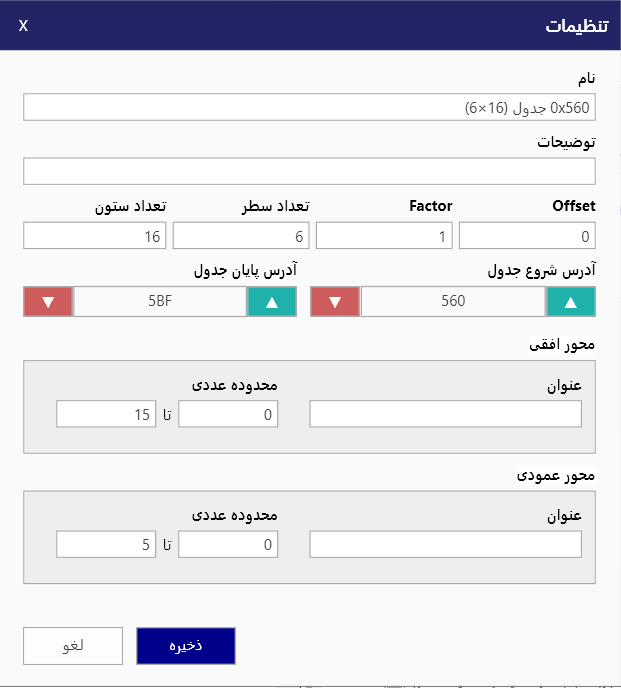
The code is simple. Just wrap your images with <div class="col-sm"> and place them inside <div class="row"> (read more about the Bootstrap Grid system). To make images responsive, add img-fluid class to each; for rounded corners and shadows use rounded and z-depth-1 classes. Here’s the code for the last row of images above:
Key Features of NegarRemap Software
- Advanced identification of ECU dump files
- Full display of map tables for easy calibration
- Professional comparison of two dump files
- Complete separation of map tables
- Display of changes in map tables in a separate window
- Possibility to create a backup copy of the dump
- Possibility to create a custom checksum
- Display of changes in map tables in a separate window
- Possibility to add or remove maps without affecting others